
VeteransVSO Master Operating Manual
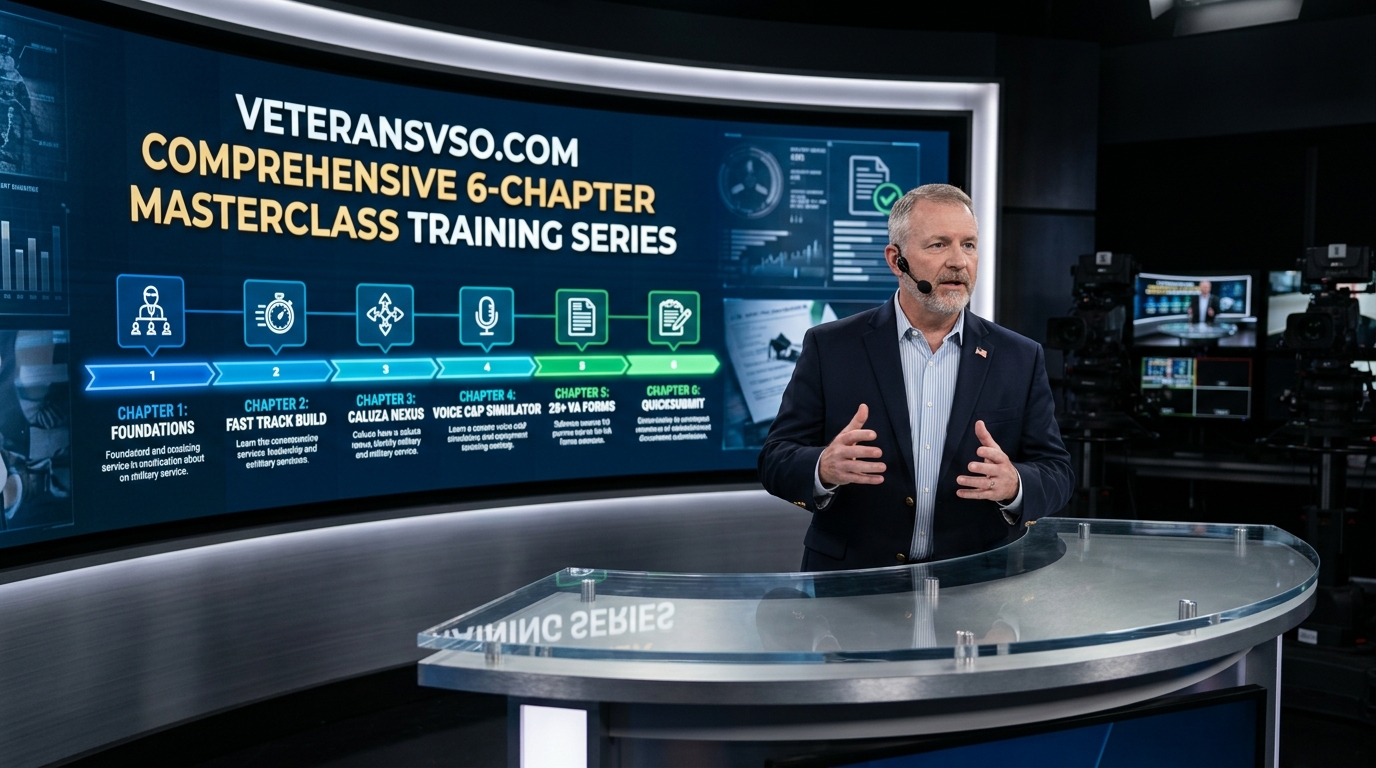
Complete statutory guide and tactical walkthrough for navigating the VeteransVSO Autonomous Decision Intelligence Platform, 28+ VA Form Suite, Primary Nexus Studio, and Fast Track Claim Build.
01 Platform Architecture & Core Decision Engines
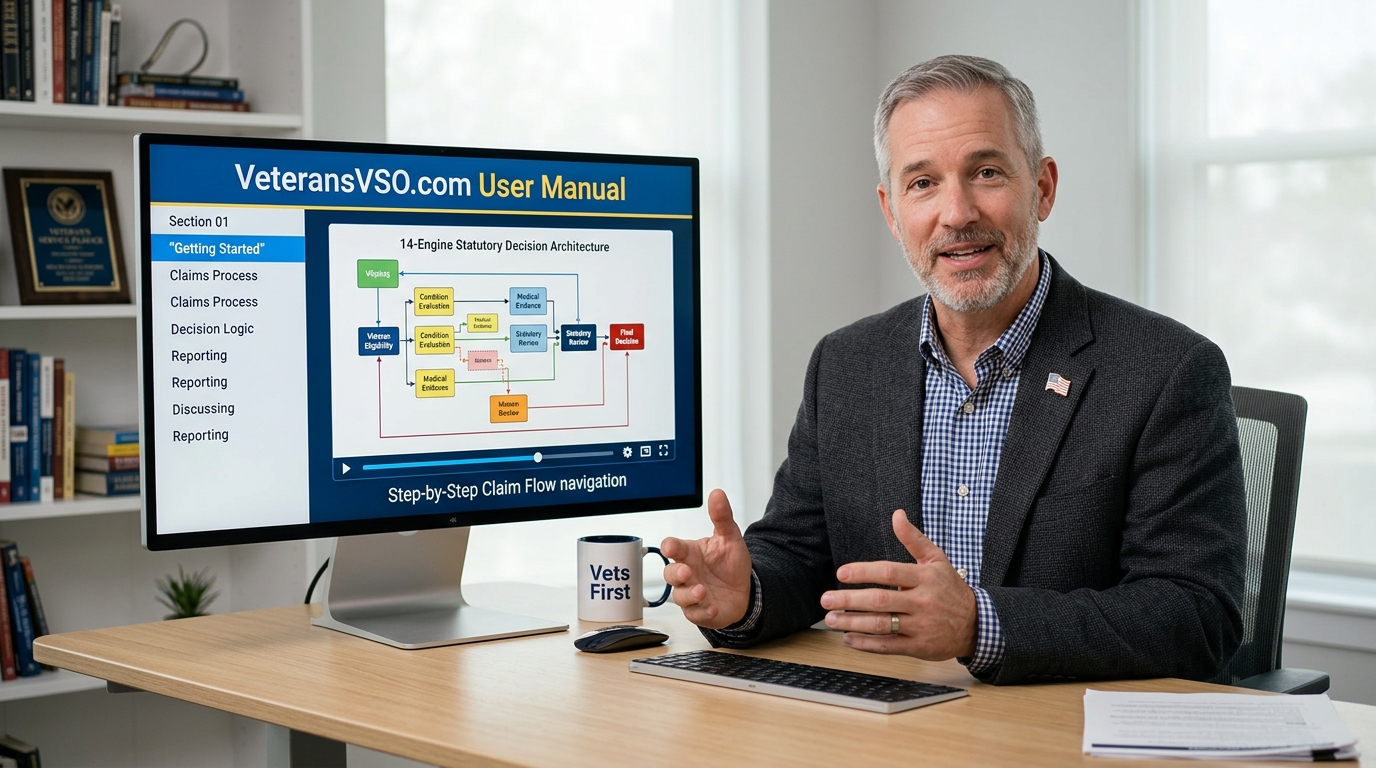
VeteransVSO™ is an autonomous, statutory AI decision intelligence platform engineered to eliminate bureaucratic friction in VA disability compensation claims. By synthesizing Title 38 Code of Federal Regulations (CFR), M21-1 Adjudication Procedures, Board of Veterans’ Appeals (BVA) case law, and 38 U.S.C. § 1119 Toxic Exposure Risk Activity (TERA) rules, the platform converts raw military service records into certified Fully Developed Claims (FDC).
02 Fast Track Claim Build & Running Collective Profile (Vector AI)
To begin your claim build, navigate to ⚡ Vector AI (/vector-chat or /veteran-ai). You can interact with the engine in four flexible ways:
03 Primary & Secondary Claim Nexus Builder Studio (38 CFR § 3.303 & § 3.310)
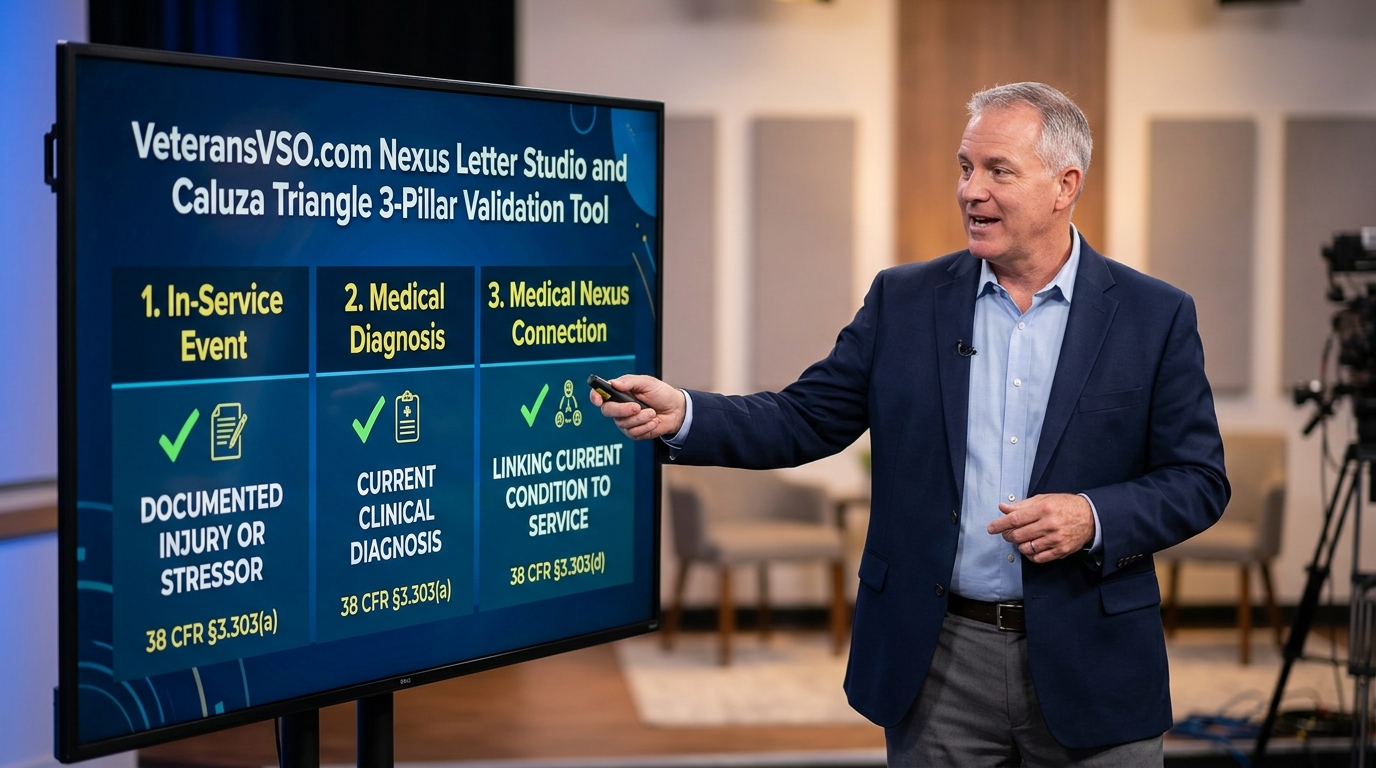
A Nexus Letter (Independent Medical Opinion / IMO) is the critical bridge connecting your current chronic medical disability to your active military service. Under binding Court of Appeals for Veterans Claims (CAVC) precedent (Caluza v. Brown, Nieves-Rodriguez v. Peake, and McLendon v. Nicholson), a winning nexus must satisfy strict legal standards. Access the dedicated builder at /nexus-builder or request Vector AI to synthesize one inside /vector-chat.
Under 38 U.S.C. § 5107(b) (Benefit of the Doubt Doctrine) and Gilbert v. Derwinski, the medical examiner does not need 100% certainty. The legal threshold is met when the evidence demonstrates that it is "at least as likely as not" (50% or greater probability) that the disability was caused or aggravated by military service.
🏛️ Step-by-Step Nexus Building Blueprint
- Direct Service Connection (38 CFR § 3.303): Connects current diagnosis directly to an acute in-service injury, combat event, or sick call treatment log.
- Secondary Service Connection (38 CFR § 3.310(a)): Establishes that a new condition was proximately caused by an existing service-connected disability (e.g., Obstructive Sleep Apnea secondary to PTSD/Sinusitis; Radiculopathy secondary to Lumbar Strain; GERD secondary to NSAID pain medications).
- Aggravation of Pre-Existing Condition (38 CFR § 3.310(b)): Demonstrates that military service or a primary condition caused a pre-existing non-service-connected condition to worsen beyond its natural progression.
- TERA Toxic Exposure Nexus (38 U.S.C. § 1119 & § 1168): Connects chronic illnesses (e.g., Asthma, COPD, Rhinitis, Neuropathy) to conceded military chemical, fuel (JP-5/JP-8), particulate matter, or burn pit exposures.
- Pillar 1 (Current Chronic Diagnosis): Enter formal medical diagnosis with ICD-10 and Title 38 CFR Part 4 Diagnostic Code (e.g., DC 6847, DC 9411, DC 5237).
- Pillar 2 (In-Service Event / Exposure / Primary Disability): Specify exact military duty station, MOS hazard, trauma date, or service-connected primary rating.
- Pillar 3 (Pathophysiological Causation Rationale): Articulate the biological mechanism connecting Pillar 1 to Pillar 2 (e.g., altered biomechanical gait loading, chronic inflammatory airway remodeling, or central nervous system hyperarousal).
Under Nieves-Rodriguez v. Peake, 22 Vet. App. 295, a medical opinion lacks probative value if the doctor does not review the Veteran's claims file. The Nexus Studio automatically embeds the mandatory certification:
The engine embeds authoritative medical citations (e.g., American Journal of Respiratory and Critical Care Medicine, Journal of Clinical Sleep Medicine, Spine Journal, and ATSDR Toxicological Profiles) to substantiate clinical rationale against adverse C&P examiner opinions.
- Physician Metadata: Provides designated signature blocks for Doctor Name, Title/Specialty, State Medical License Number, and Clinic Letterhead.
- 1-Click Export & Filing: Download as a submission-ready PDF and upload directly to AccessVA QuickSubmit (eauth.va.gov) attached to VA Form 21-526EZ or VA Form 20-0995.
04 Automation 2.0 Autonomous Claim Orchestration
VeteransVSO incorporates Automation 2.0 (/automation-2.0), a sovereign multi-agent runtime designed for end-to-end claim development:
- C-File & STR Ingestion: Ingests hundreds of pages of raw military records, extracting dates of treatment, sick call logs, and diagnostic impressions.
- Automatic Diagnostic Code Cross-Referencing: Maps medical conditions against Title 38 CFR Part 4 rating schedules to pinpoint highest sustainable rating percentages.
- Continuous Evidence Verification: Audits claims against current VA M21-1 adjudication manuals before submission to prevent common denial traps.
05 Hands-Free Continuous Voice Engine & Master Voice Commands
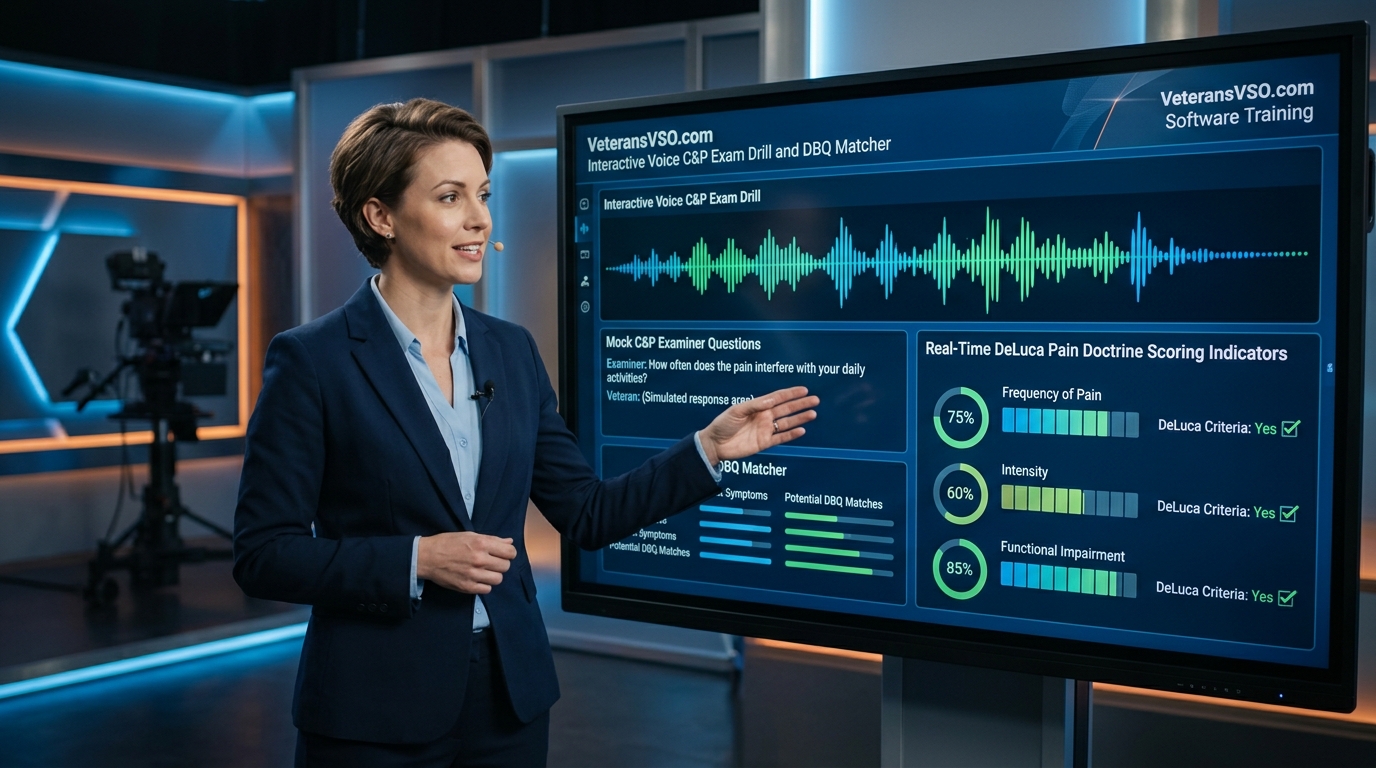
The voice suite is engineered specifically for disabled and aging Veterans who experience pain or difficulty typing, following Rule 42 (Continuous Patient Dictation & Zero Premature Cut-In):
🗣️ Comprehensive "Say Vector" Voice Command Library
You can speak these exact verbal commands at any time—whether Vector is listening or speaking:
"Vector Stop"/"Vector Quiet"— Instantly stops speech narration."Vector Pause"/"Vector Hold on"— Freezes playback for note-taking."Vector Resume"/"Vector Keep going"— Resumes narration."Vector Stop Listening"— Turns off microphone input.
"Vector Send"/"Vector Submit"— Finalizes and sends your dictated question."Vector Erase"/"Vector Clear Text"— Clears input box for a re-speak.
"Vector What are my standings"— Reviews current combined rating & SMC."Vector Check SMC"— Audits Aid & Attendance (38 CFR § 3.352) & higher tiers."Vector Rating Math"— Calculates whole-person math (38 CFR § 4.25)."Vector Review Denials"— Breaks down denials with overturn blueprints.
"Vector Review Docs"— Audits all staged/uploaded medical files."Vector Upload File"— Launches the file selection browser."Vector Clear Chat"— Purges session data and memory vault for fresh start."Vector My Notes"— Toggles your private personal notes pad.
"Vector Generate Statement"— Launches Form 21-4138 generator."Vector Build My Claim"— Prepares Form 21-526EZ compensation claim."Vector Supplemental Claim"— Prepares Form 20-0995 appeal."Vector Aid and Attendance Form"— Prepares Form 21-2680 exam packet.
"Vector Crisis Line"— Dials Veterans Crisis Line (988 Press 1)."Vector 72-Hour Hospital"— Dials VA Emergency Care line (1-844-724-7842)."Vector VA Hotline"— Dials Main VA Benefits (1-800-827-1000)."Vector Help"— Displays full voice command capabilities.
06 Caluza Triangle & TERA Toxic Exposure Mapping
Every lawful service connection rests on the 3 pillars of the Caluza Triangle (Shedden v. Principi, 381 F.3d 1164):
07 38 CFR § 4.25 Whole-Person Combined Disability Math
The VA does not add percentages using standard arithmetic. Vector AI runs the statutory non-additive whole-person efficiency algorithm:
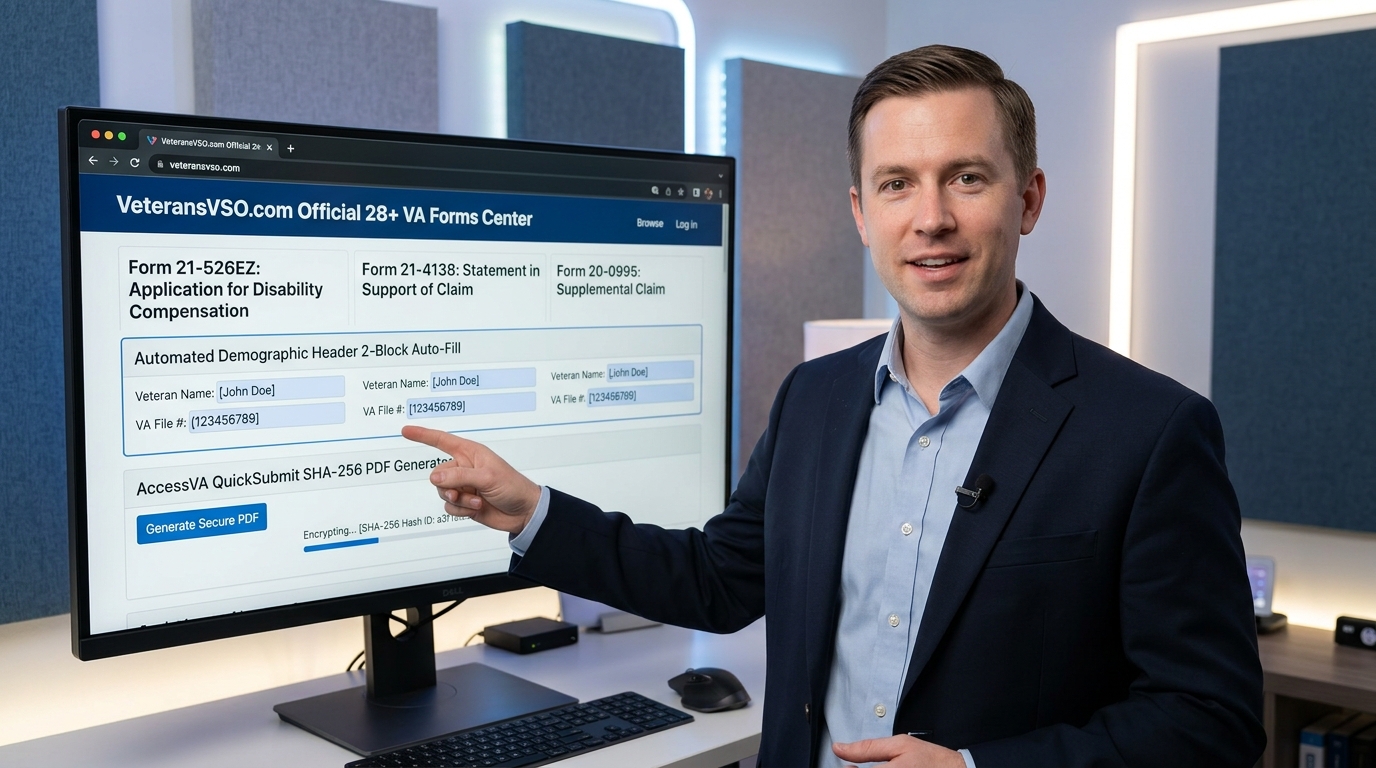
08 28+ Official VA Forms Directory & Auto-Fill Hub
VeteransVSO provides complete coverage of all 28 Official VA Forms across VBA, VHA, and NCA (/forms.html):
09 Demographic Header & 2-Block Splitting Rule
Official VA forms have strict character capacities in their primary boxes. The platform solves this through intelligent two-block evidence structuring:
[CONTINUED ON ATTACHED OFFICIAL CONTINUATION SHEET / BLOCK 2 — SEE ATTACHMENT].
10 Electronic Auto-Sign & Direct AccessVA QuickSubmit
When your claims interview or form development is complete, you can electronically sign and submit immediately:
- ✍️ 1-Click Auto-Sign: Enter your legal name into the Auto-Sign modal to apply a timestamped electronic signature certified under 38 U.S.C. § 5101.
- 📥 Download Submission PDF: Generates a clean, official submission document with the Department of Veterans Affairs seal, claimant meta-table, Block 1 primary text, and Block 2 statutory addendum.
- 🚀 Direct AccessVA QuickSubmit Portal: Click the QuickSubmit button to open AccessVA QuickSubmit (eauth.va.gov) and upload your PDF directly into the VA's digital intake pipeline, skipping physical mail delays.
11 Multi-User IP Detection & Zero-Bleed Memory Isolation
VeteransVSO provides total privacy and session isolation for both logged-in and guest visitors:
X-Forwarded-For, CF-Connecting-IP, or client socket host). Facts, MOS details, toxic exposures, and medical conditions discussed by one visitor will never bleed into or contaminate another user's session.
12 Site-Wide Free Access & Export Policy
VeteransVSO is dedicated to empowering veterans with open, accessible self-advocacy tools:
13 Profile Completed Forms Vault & Instant Recall
Never lose a synthesized claim or statement. Every generated form is automatically recorded in your personal vault:
14 Executive Command Center Dashboard & Fair Pricing
Visit 🖥️ Command Center (/command-center) for a comprehensive operational overview:
- Live AI Dataset Stream: Displays your active military branch, MOS/Rate, active ratable conditions, and TERA registry in real time.
- Transparent Pricing: Free claims interviews, toxic exposure lookups, and ratings calculations. Optional certified legal dossier unlocks cost a flat $9.97 per ratable condition—with zero predatory backpay percentages or recurring subscription traps.